Digital tattoo mockups: a useful preview, not a prediction
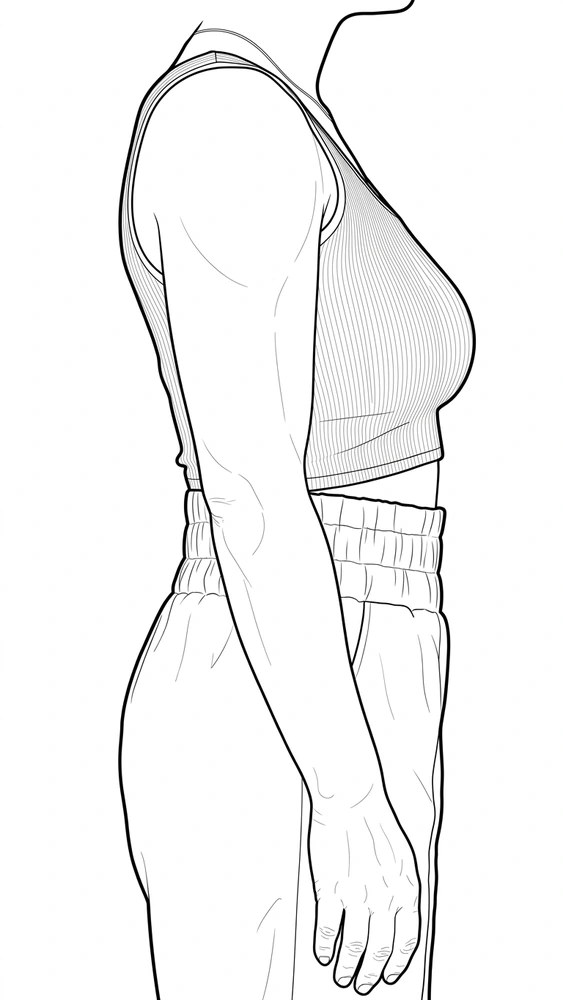
A digital mockup can make a placement idea understandable in seconds. A drawing that seemed balanced on a blank page may look too wide on a forearm, or its main feature may disappear around the side of a shoulder. Placing the proposal against a body image gives those questions a visible form.
The preview is still a constructed image. It can help compare choices about scale, direction and composition, but it does not establish how a finished tattoo will heal or how pigment will interact with existing work. Its value comes from knowing which question it is answering.
A transformation changes the drawing on the screen
Digital tools can deform an image to suggest a curved surface. Procreate's Warp feature, for example, uses an adjustable mesh to bend and reshape artwork. This is an image transformation controlled by the person making the preview. Procreate Handbook: Warp.
In a tattoo proposal, that kind of adjustment can help illustrate how a motif might turn around an arm. It does not measure the arm automatically or prove that every distorted detail will occupy the intended place on skin. The result depends on the source photograph and the choices made while constructing the mockup.
A hypothetical circular ornament makes the limitation easy to see. It can be stretched to appear rounded around a wrist in one picture. That successful picture alone does not show what happens at the sides, on the underside or when the wrist changes position.
A three-dimensional model offers another kind of view
Procreate also supports painting on imported 3D models, rotating the model and changing its lighting environment. Those tools can reveal more than a single flat image, because the proposal can be examined from different viewpoints. Procreate Handbook: 3D interface and gestures.
The important word is “model.” A generic digital arm represents a surface, not necessarily the exact proportions or movement of a particular person. Even a carefully made model remains a representation. More viewpoints improve the opportunity to inspect the proposal; they do not turn an illustration into biological evidence.
This is why a polished render should be judged by what it clarifies. Does it expose an awkward transition? Does it show how one element competes with another? Those are useful design findings without requiring a promise of photographic equivalence later.
Color and coverage need a different kind of caution
On a screen, a designer can change opacity, darken an area or replace a color immediately. In a mockup, those changes describe pixels. They are not a demonstration that the same alteration is achievable by depositing tattoo pigment.
That distinction is especially important when a preview places artwork over an existing tattoo. A digital layer can hide the old image completely because the software was instructed to display it that way. The visual success of that layer does not prove that the proposed cover-up can reproduce the same concealment in skin.
The label should match the image's purpose
A clear mockup is identified as a proposal. It can sit beside a plain drawing or additional body views so that the viewer understands which parts are composition and which parts are simulated presentation. A photographic appearance should not make an unfinished concept look like a documented completed tattoo.
Used that way, digital tools create room for better visual decisions. They let an idea be questioned while changes are still easy. The strongest preview is not necessarily the most dramatic render. It is the one that helps everyone understand the intended image and the limits of what the screen can show.